
Resources
Learn HeloFlow.
Ship faster.
Guides, tutorials, the help centre and the template library — everything to get a WhatsApp team running.
Nothing matches “” yet. Try a broader word.
Browse by type
Six places to look.
Help centre
Short answers to specific questions, searchable.
Open the help centreTutorials
Screen recordings of every module, five minutes each.
Watch the tutorialsGuides
The longer reads: Meta setup, templates, opt-in and the law.
Read the guidesBlog
What we learn running WhatsApp for real businesses.
Read the blogTemplate library
Approved-style message templates you can copy into your account.
Browse templatesAPI docs
Reference for the REST API and signed webhooks.
Read the docs
Start here
From sign-up to first
message in ten minutes.
Four steps. Each one links to the guide that walks
you through it.
Create your account
Google sign-in, five questions, done.
Get a template approved
Submit from HeloFlow; utility templates
Template guide
usually clear in minutes.
Guides
The three everyone
reads first.
 Setup
Connecting your WhatsApp number through Meta, step by step
Business Manager, the app, the number, the token. Every screen, in order, for someone who has never opened Meta before.
18 min read
 Templates
Getting templates approved the first time
What Meta's reviewers look for, the categories, the words that get a template rejected, and how to fix one.
9 min read
 Compliance
Opt-in, the 24-hour window and the DPDP Act
The three rules that decide who you can message and when — and how HeloFlow enforces them for you.
11 min read
Tutorials
Watch it done,
module by module.
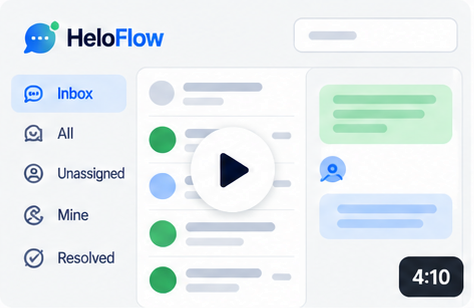
The shared inbox in four minutes
Assign, reply, note, resolve.
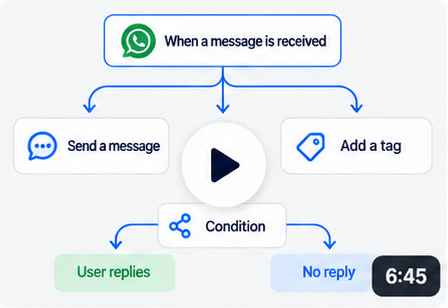
Build your first flow
Trigger, buttons, tag, hand to human.
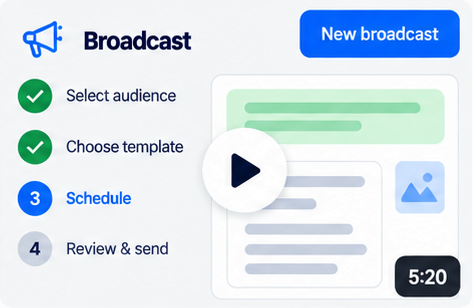
Send a broadcast that gets through
Audience, template, schedule, results.
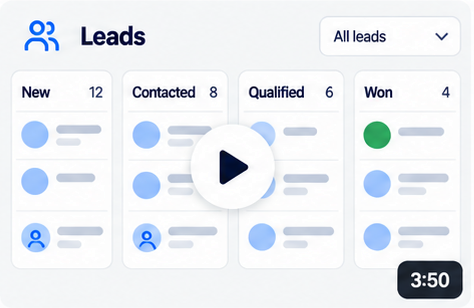
Turn a chat into a lead
Stages, owners, value, payment link.
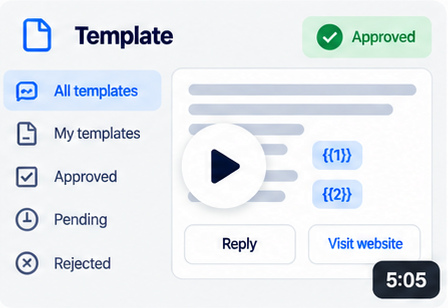
Submit a template to Meta
Category, variables, buttons, approval.
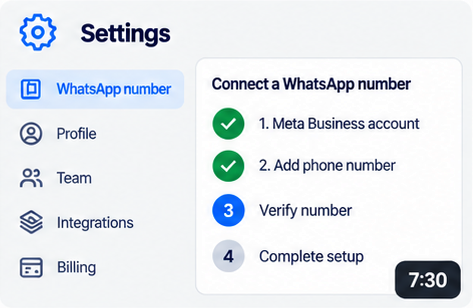
Connect a number the manual way
For teams with their own Meta app.
Template library
Eight templates you can
copy in one click.
Written to pass Meta review. Add them to your
account, change the words, submit.
- welcome_messageUtility
Hi Priya, thanks for reaching out to Sunrise Interiors! 👋 How can we help you today?
10:24Talk to salesSupport - appointment_reminderUtility
Hi Sneha, this is a reminder for your appointment on 14 Sep at 11:00 AM. See you then!
10:24ConfirmReschedule - payment_requestUtility
Hi Karan, here is your payment link for ₹25,000 towards design advance.
10:24Pay now - festive_offerMarketing
Diwali Sale at Sunrise Interiors — 15% off until 30 Oct. Reply to book a free consultation.
Reply STOP to opt out10:24Book consultationSee catalogue
Blog
What we learn running
WhatsApp for real businesses.
 How-to
Why the 24-hour window is the rule that breaks most WhatsApp teams
Every reply after 24 hours of silence has to be a template. Here is what that means for follow-ups, and how to plan around it.
7 min read
 Broadcasts
Opt-in is not a checkbox. It is your delivery rate.
Numbers that message people who never said yes get restricted. The opt-in habits that keep a number healthy.
6 min read
 Payments
Taking payment inside the chat, without a payment gateway fee from us
How a Razorpay link in a WhatsApp thread turns a quote into money, and why the money should go straight to you.
5 min read
Help centre
Short answers, by topic.
Open the help centreGetting started
Account, workspace, team invites.
Numbers and Meta
Connecting, quality rating, limits.
Inbox
Assignment, notes, canned replies, the window.
Templates
Categories, variables, approval, rejections.
Broadcasts
Audiences, scheduling, delivery, failures.
Flows and sequences
Triggers, blocks, testing, timing.
Payments and billing
Razorpay links, plans, invoices.
Privacy and data
Opt-in, deletion, export, DPDP.
Developers
Building on HeloFlow?
Scoped API keys, signed webhooks, and a changelog that tells you before something changes.
API reference
Leads, messages and conversations, with examples for every call.
POST /v1/leadsWebhooks
Six events, HMAC-signed, three retries.
x-heloflow-signatureChangelog
Every change, dated, in one place.
v1.3 · Sep 2026
Still stuck? Talk to a person.
We answer on WhatsApp, because of course we do.
Put your WhatsApp to work.
Free plan. Your own number. Live in ten minutes.
- No credit card
- Built on the WhatsApp Business Platform